Visual key editor
Click the matching key or encoder action, select an action type, and save it to the active profile.
Sixteen keys. Three dials. One visual Windows app that lets you assign shortcuts, text, applications, multi-step workflows and profiles without repeatedly reprogramming the hardware.
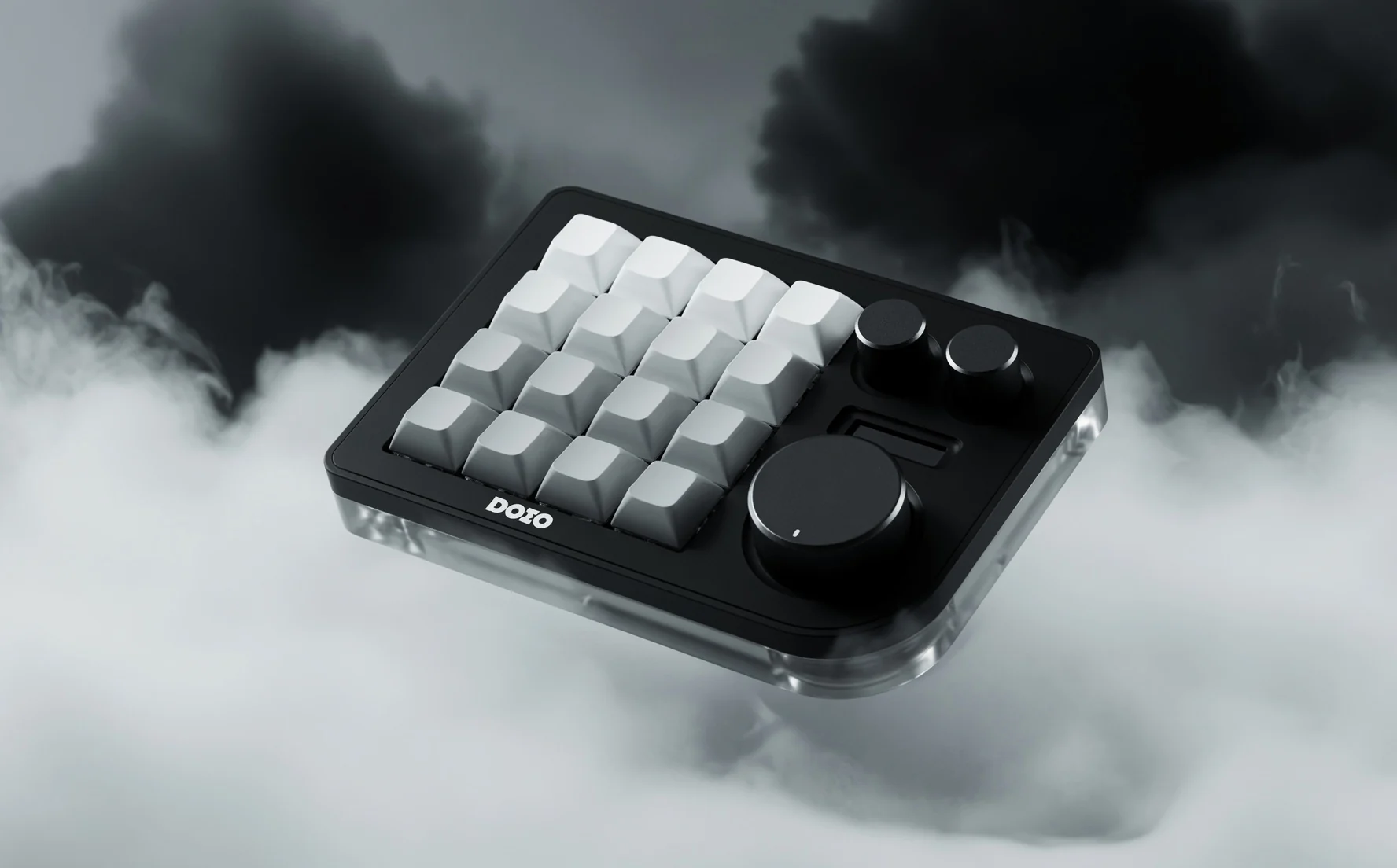
The board sends reserved shortcuts. ThisBoard Studio intercepts them and runs the assignments you choose. Change a profile, macro or target application in seconds—without opening the keyboard configurator again.
Click the matching key or encoder action, select an action type, and save it to the active profile.
Send hotkeys, paste text, open URLs, launch software, focus windows or run ordered multi-step sequences.
Keep different layouts for editing, development, research, music, meetings or any repeated desktop routine.
These defaults are only starting points. ThisBoard Studio can rename and reassign every one of them.
Each colourway uses its own interface palette across this site. The Amazon buttons are affiliate links. Always verify the layout, revision, colour and return terms on the destination page.
The standard setup does not require custom firmware. Configure the dormant signals once, install Studio, then make all future assignments in the GUI.
Confirm sixteen keys, three clickable encoders and a wired data connection.
Run the packaged Windows installer. It creates an isolated environment and shortcuts.
Use the supplied map to programme F13–F24 combinations into the board.
Click controls in Studio and create as many profiles as your work needs.
Includes the GUI, installer, diagnostics, profile examples, hardware map, status HUD, local integration tools, repair and uninstall scripts.
Start with the compatibility and setup facts that most often determine whether a programmable board works cleanly.
No. ThisBoard provides independent software, configuration guidance and affiliate links to third-party listings.
No. The standard path assigns reserved shortcuts in the board’s supported configurator and handles the real actions in Windows software.
Yes, provided it can emit the required unique shortcuts. The supplied physical layout and instructions are specifically designed around the 16-key, three-dial DOIO layout.
No. Profiles and logs are stored locally. The optional status API listens only on localhost and uses a generated token.