Full package
Installer, GUI, diagnostics, profiles, maps and source.
Download ZIPMost faults fall into one of three layers: the hardware signal was not programmed, Studio did not register the global shortcut, or the target application rejected the resulting action.
Open Diagnostics and check the last hardware event. If no event appears, verify the reserved signal in the board configurator. If a different event appears, correct the mapping rather than compensating in the profile.
Add one or more window-title fragments under focus settings and enable “focus before running” on the action. Windows does not permit a normal process to control an elevated window.
Studio must be running and its hooks must not be paused. Open the tray menu and resume input interception. Some applications capture low-level input before global hooks; test another reserved combination when necessary.
The installer first attempts to use an existing supported Python installation and may use Windows Package Manager. Install current 64-bit Python for Windows manually, then run Repair.
The current package is not digitally signed. Review the included scripts and Python source, extract the complete archive, then run the installer only when you are satisfied with the contents.
The hold only prevents accidental taps; it cannot infer intent. Configure focus matching, use a longer hold and do not assign irreversible actions without an application-level confirmation.
Installer, GUI, diagnostics, profiles, maps and source.
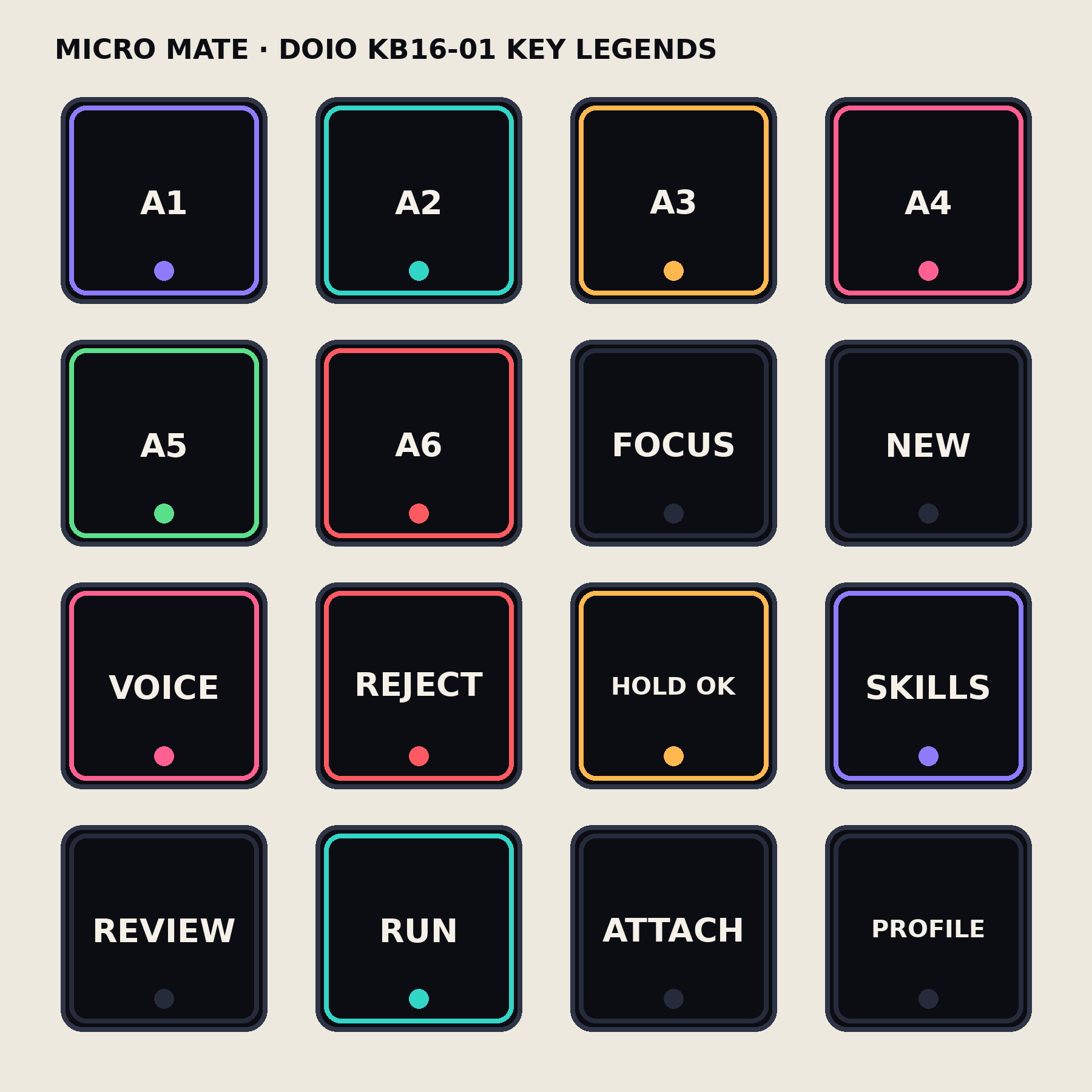
Download ZIPA printable 4 × 4 label sheet for the standard layout.
Download PNGFollow the exact signal map and verify each layer in order.
Open setup guide